Made for multi-vendor orders
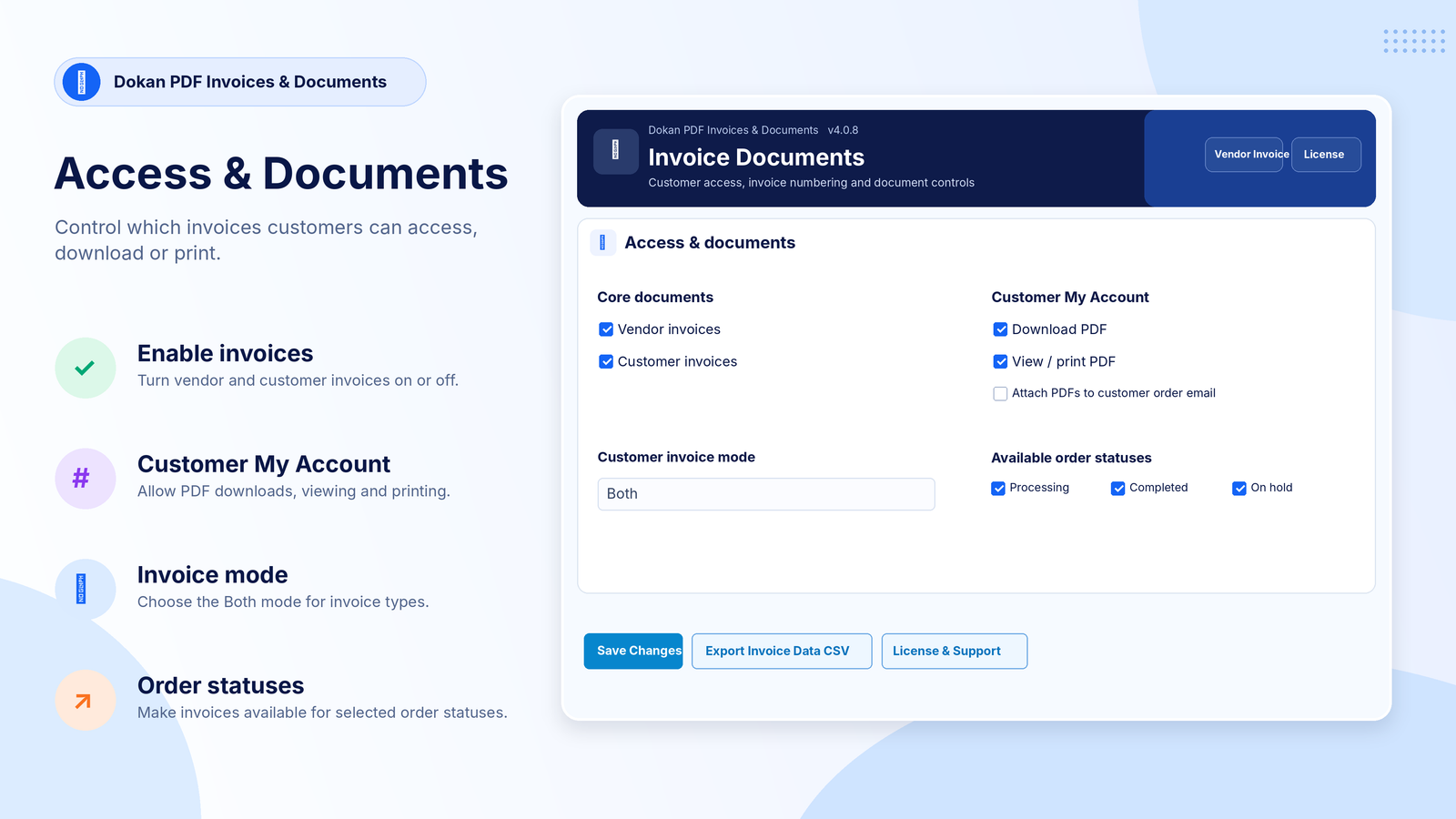
One order, several sellers: customers get a single invoice, a PDF from each seller, or both.
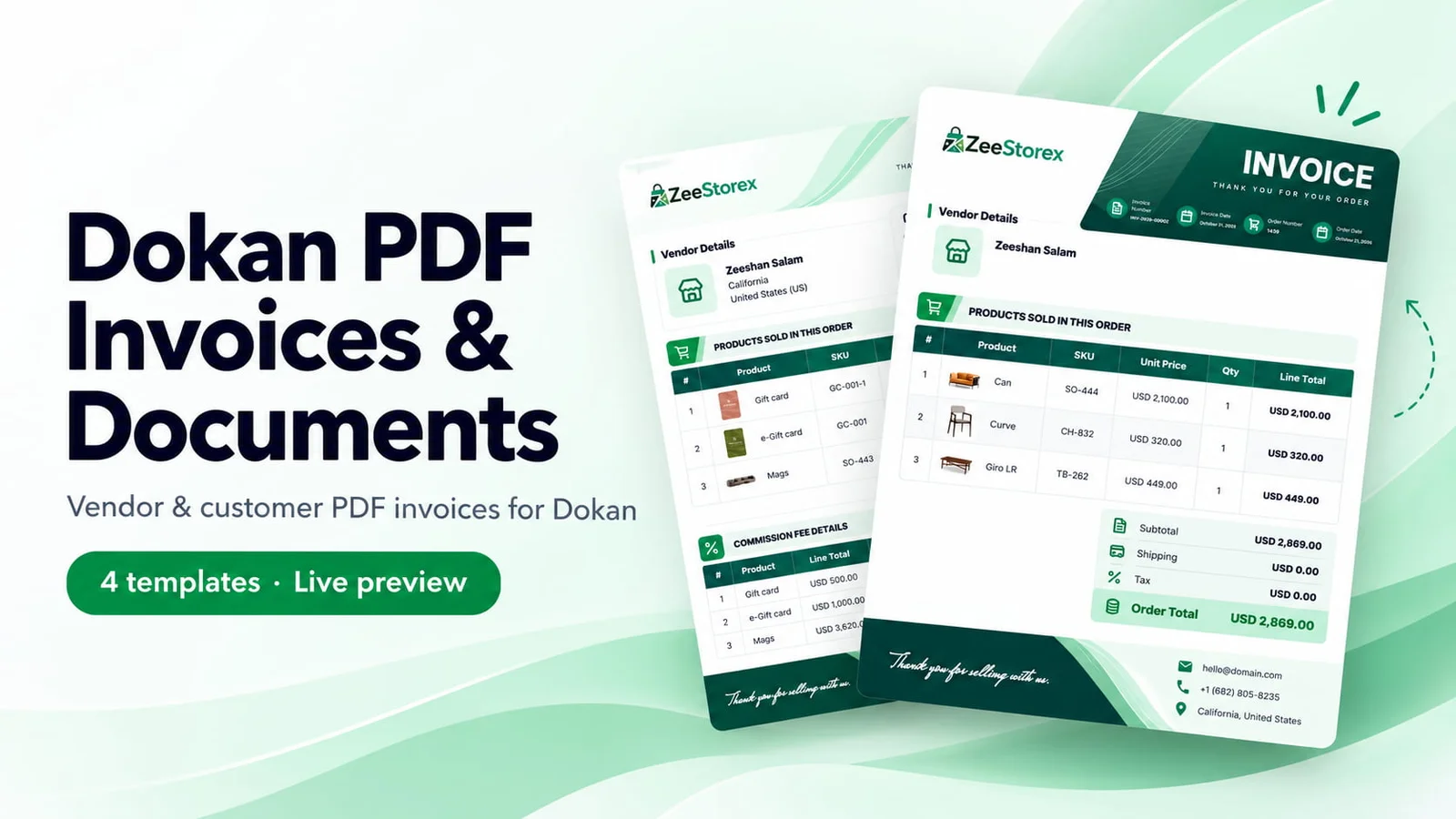
PDF invoices for Dokan marketplaces: branded vendor and customer invoices, one PDF per vendor or per order, sequential numbers and ZIP downloads.
 1 / 10
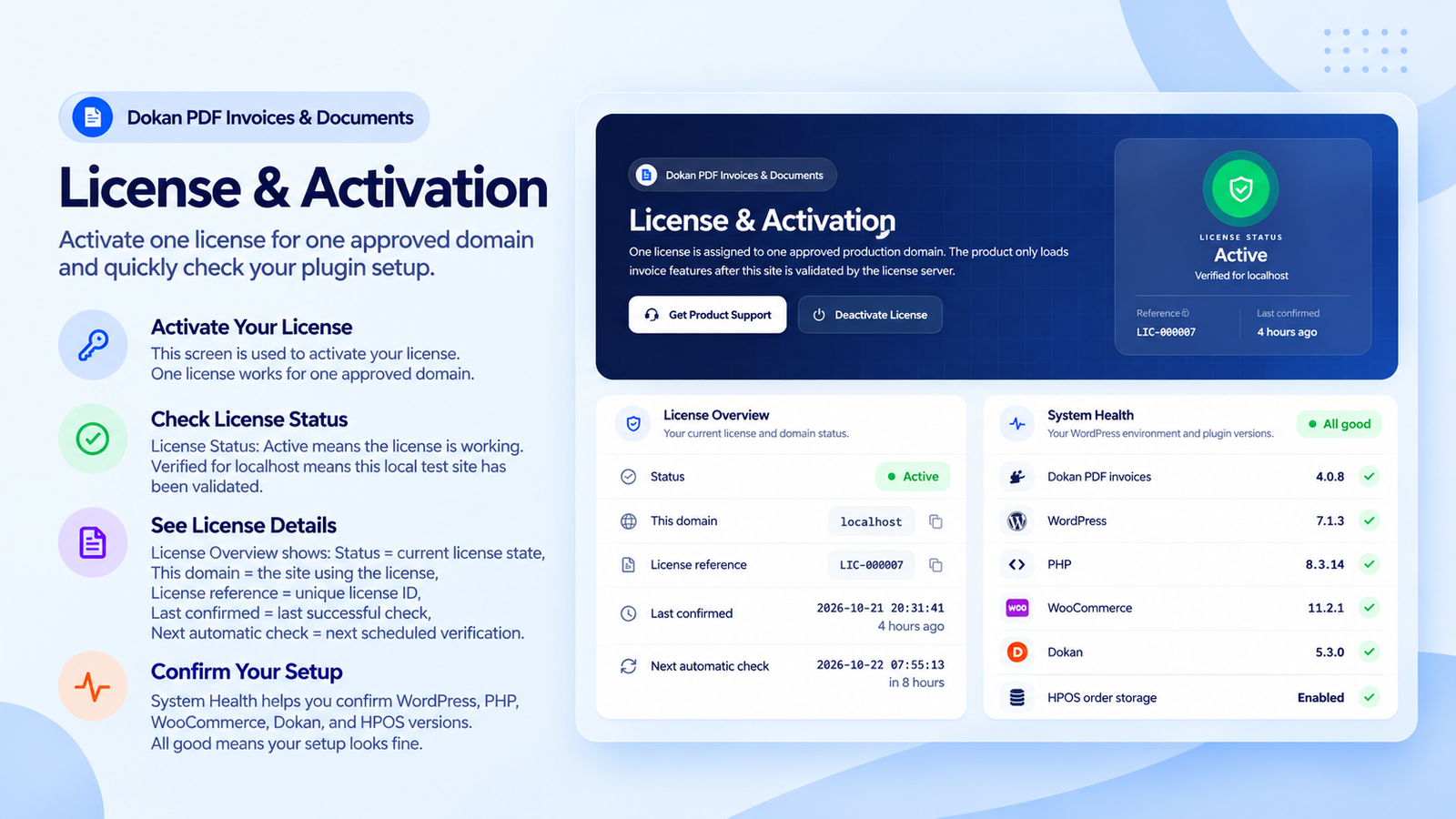
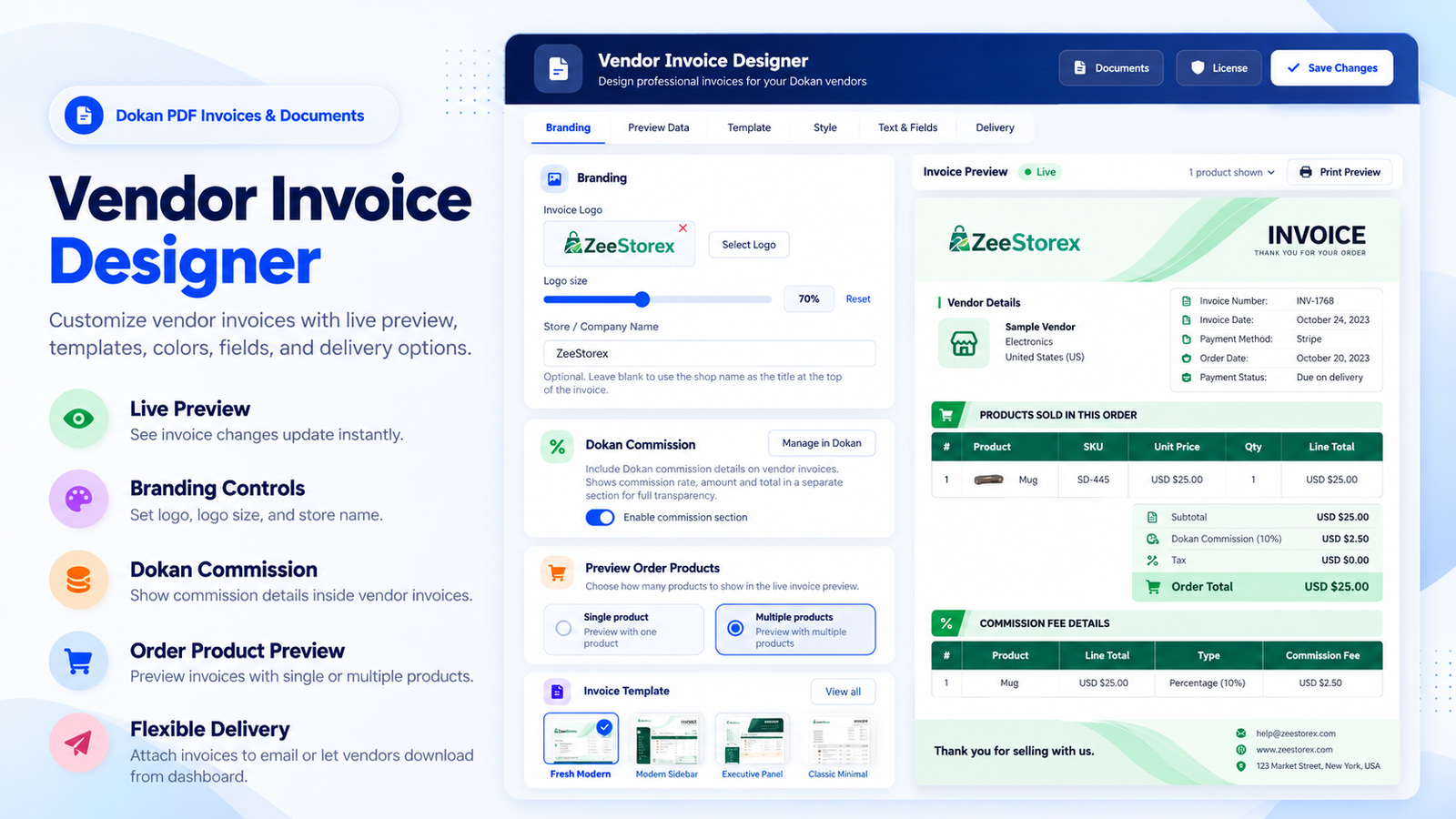
Running a Dokan marketplace means one order can involve several sellers, and every seller needs a proper invoice. Dokan PDF Invoices & Documents takes care of that: vendors get branded PDF invoices in their dashboard and in their new order emails, and customers download or print theirs from My Account.
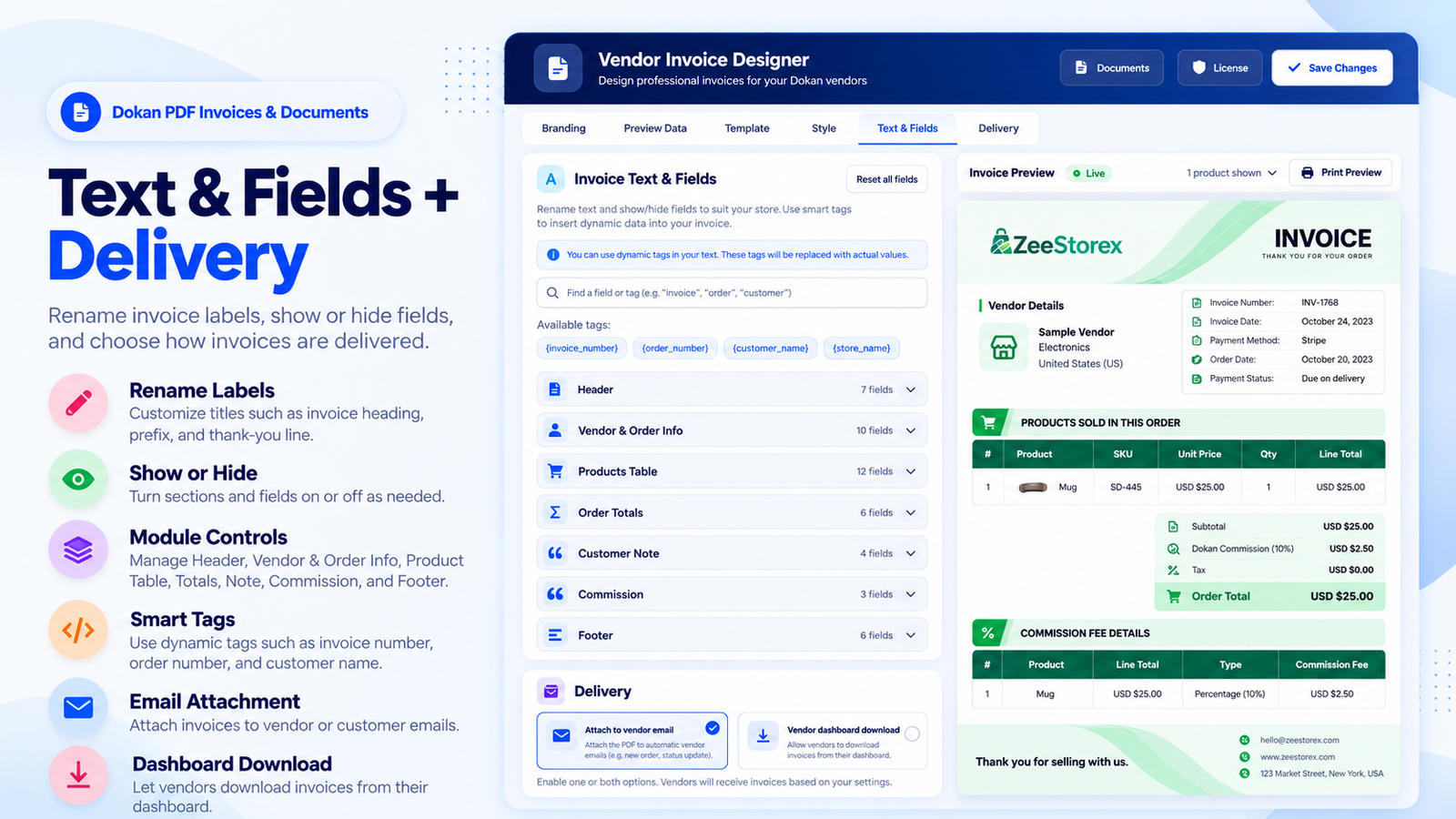
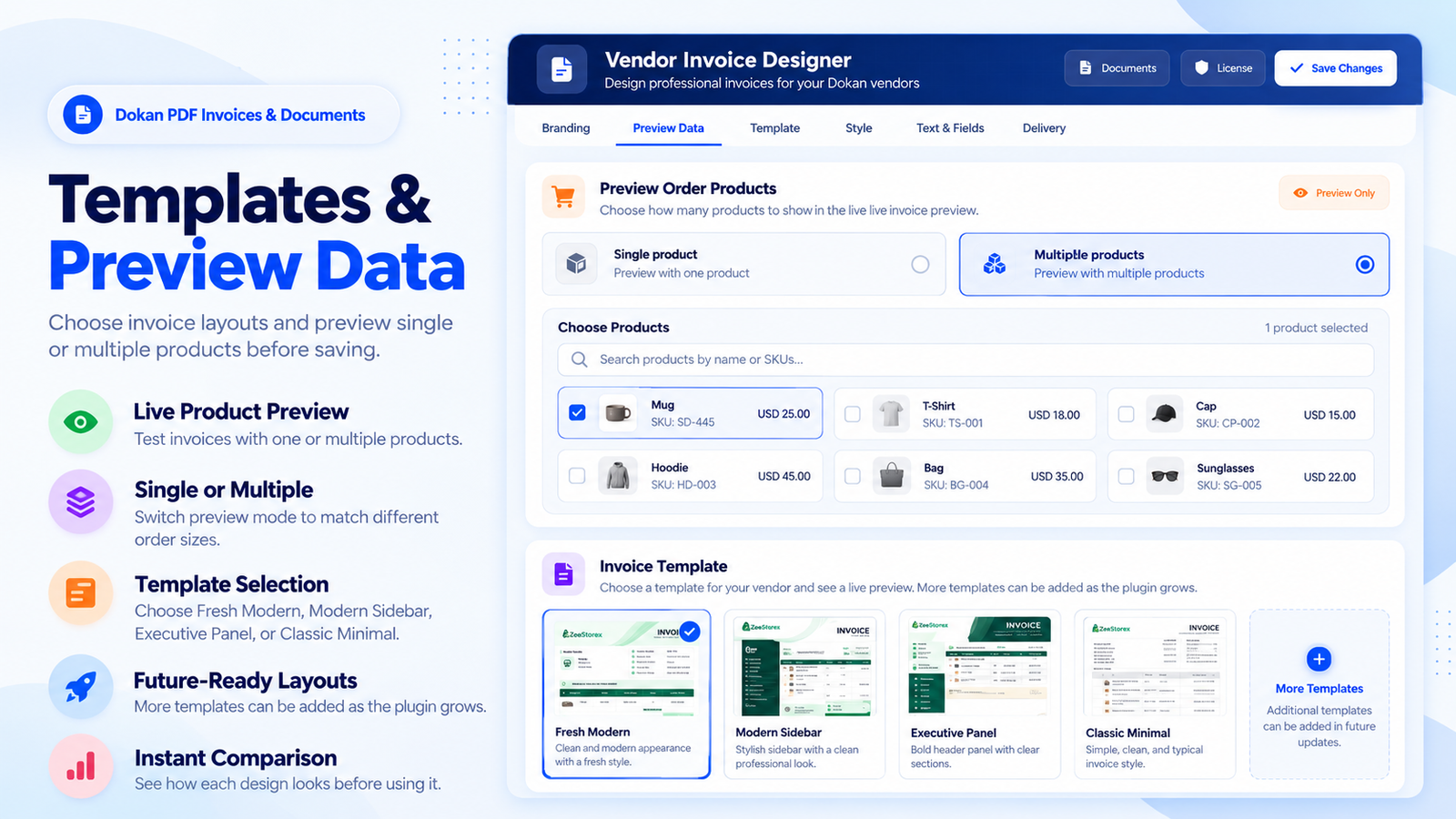
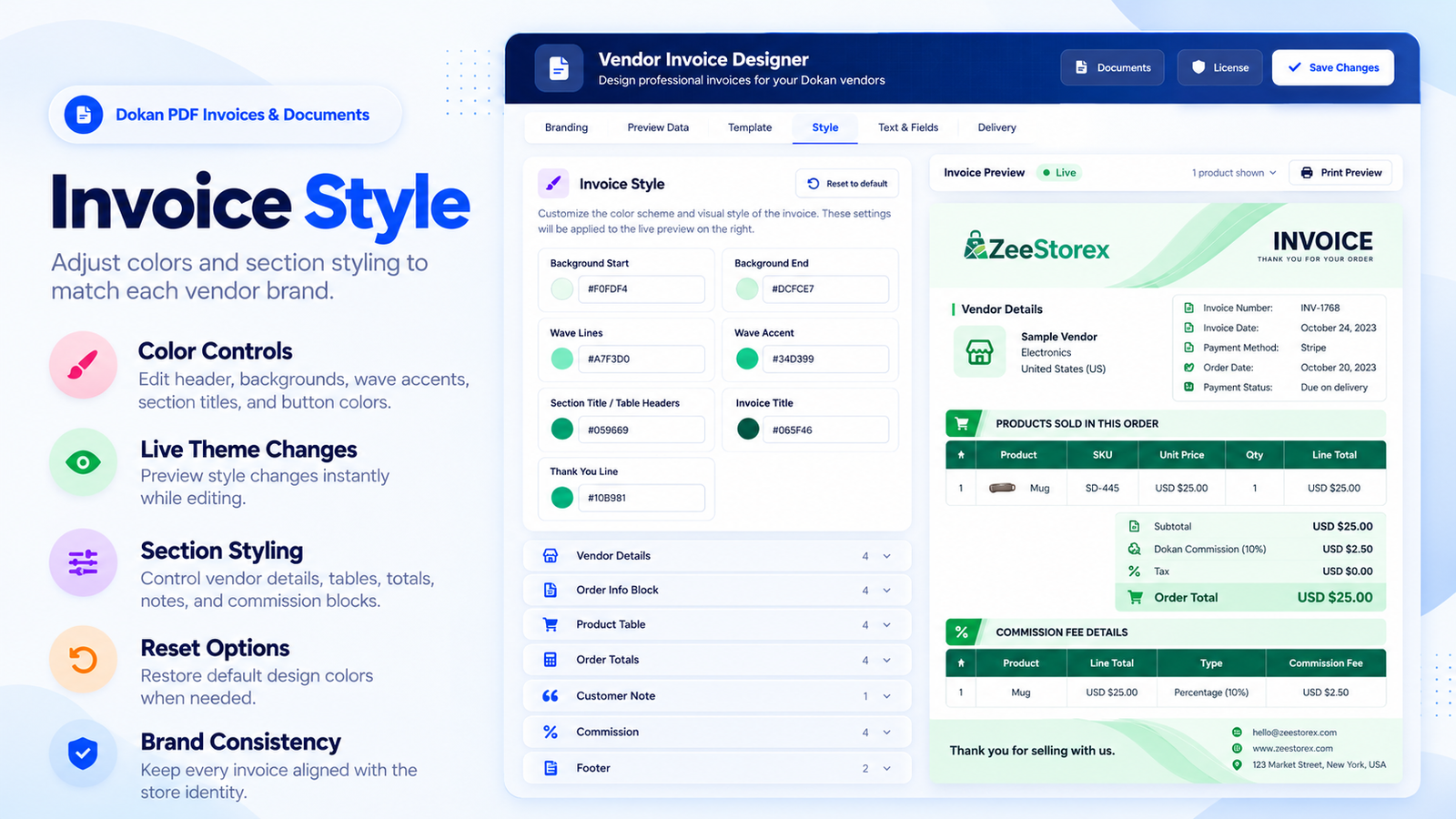
Pick one of four invoice designs, add your logo, colours and texts, and check the result in a live preview before anything goes out. Then decide what customers get for a multi-vendor order: one invoice for the whole order, a separate PDF from each seller, or both.
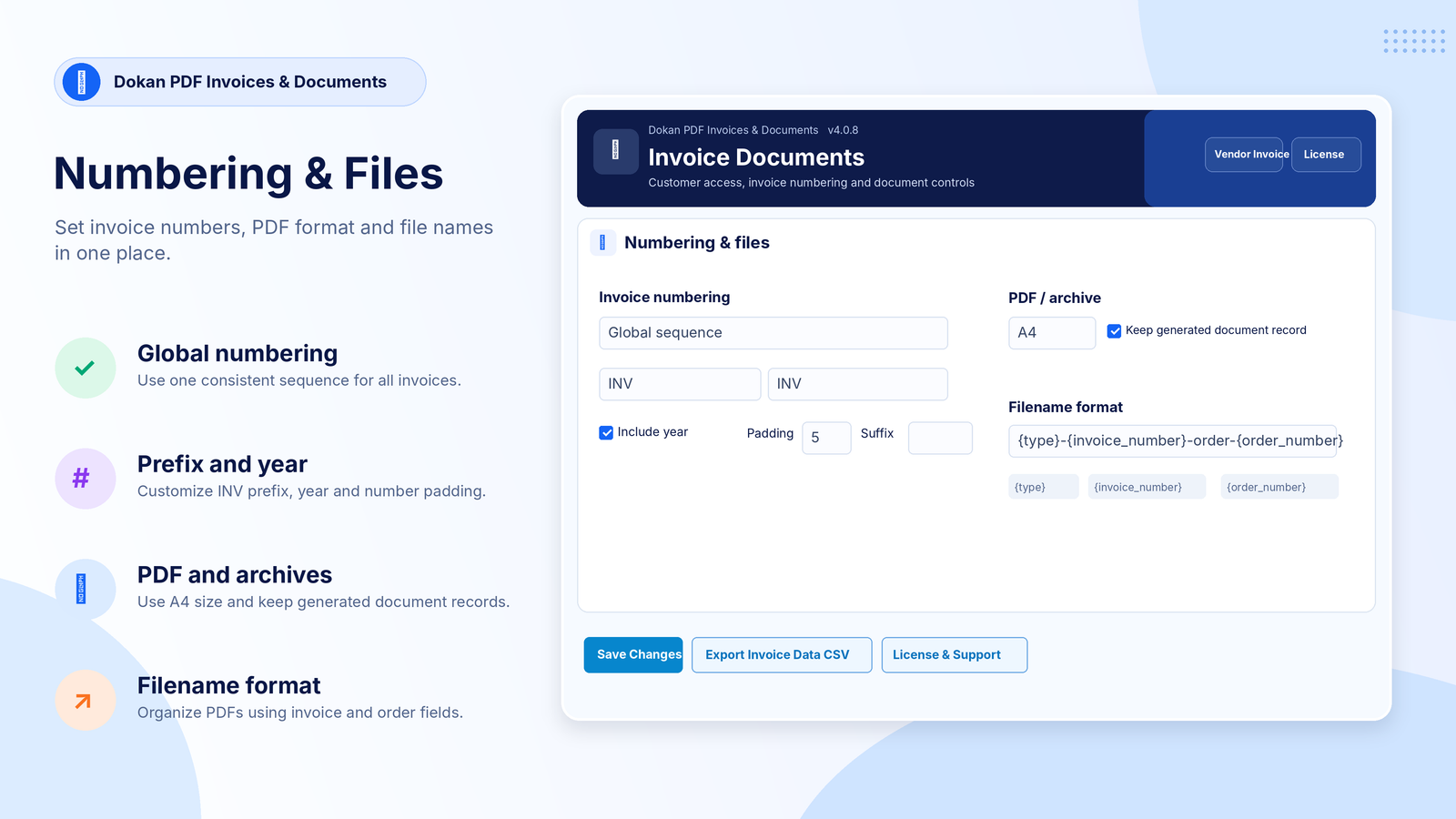
Invoice numbers stay put. Every invoice keeps its number, even when the PDF is made again, with your own prefix, year and padding for the whole marketplace or per vendor. It works with Dokan Lite and Dokan Pro and supports WooCommerce HPOS.
One order, several sellers: customers get a single invoice, a PDF from each seller, or both.
Change the logo, colours and texts and watch the invoice update in a live preview.
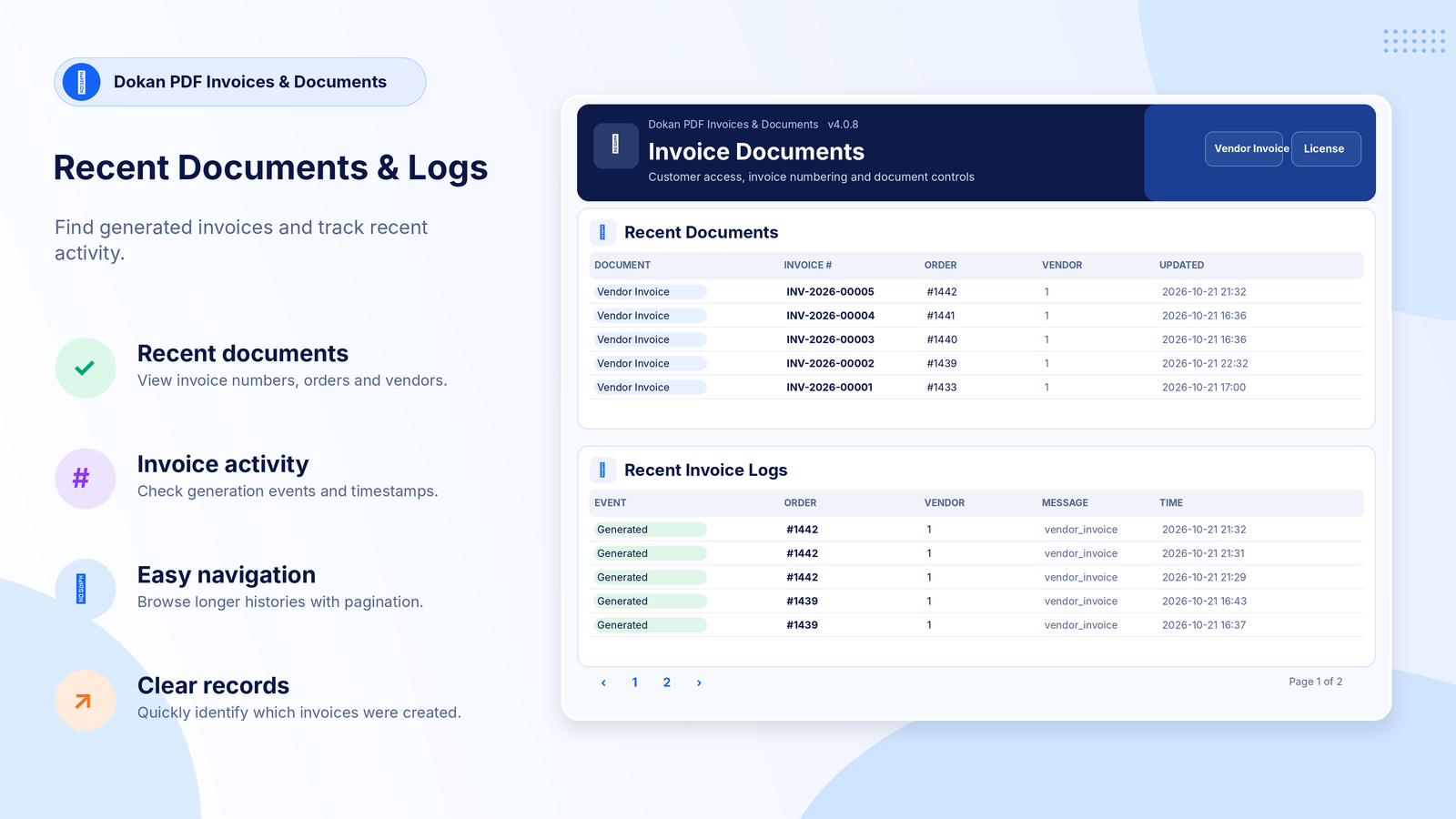
Every invoice keeps its number, with your own prefix, year and padding.
Vendor earnings and commission never show on customer invoices.
 Start a project